You haven't signed in yet, you can have a better experience after signing in
*Please complete the payment within {{receiveCouponInfo.expire_at}}Previous use*
You haven't signed in yet, you can have a better experience after signing in







Activity Rules
1、Activity time:{{ info.groupon.start_at }} ~ {{ info.groupon.end_at }}。
1、Activity time:cease when sold out。
2、Validity period of the Group Buying:{{ info.groupon.expire_days * 24 }} hours。
3、Number of Group Buying:{{ info.groupon.need_count }}x。
Please Pay Attention
1、Teamwork process: Join/initiate a Group Buying and make a successful payment - Within the validity period, the number of team members meets the activity requirements - Group Buying succeeded!
2、If the number of participants cannot be met within the valid period, the group will fail, and the paid amount will be refunded in the original way.
3、The number of people required and the time of the event may vary among different products. Please pay attention to the rules of the event.

Just to ensure that knowledge and creativity are presented in an orderly manner
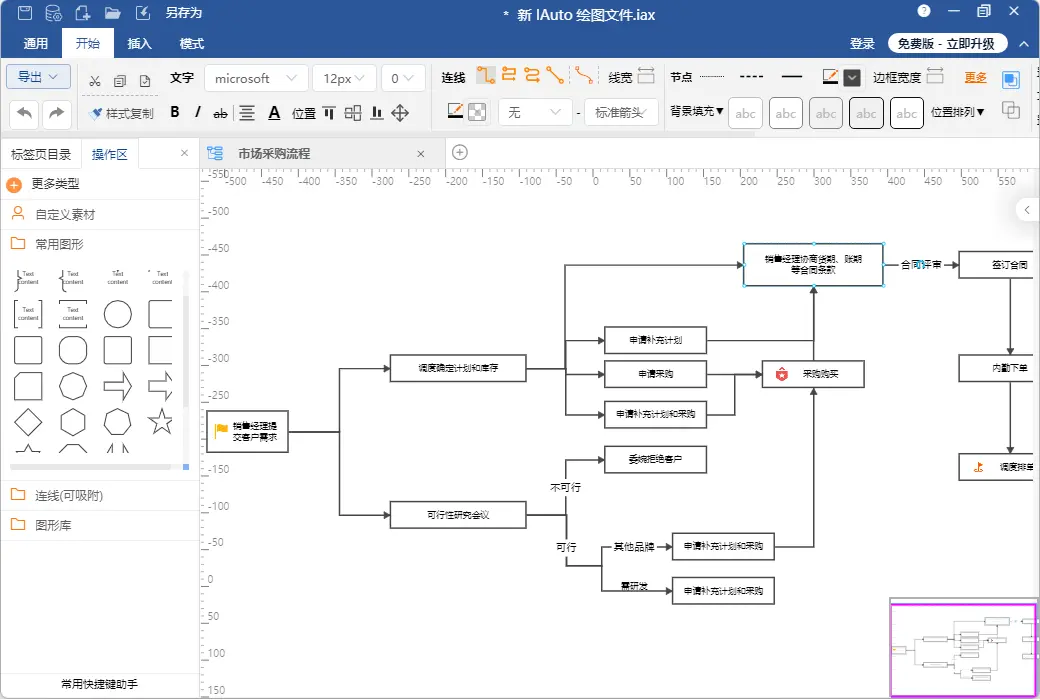
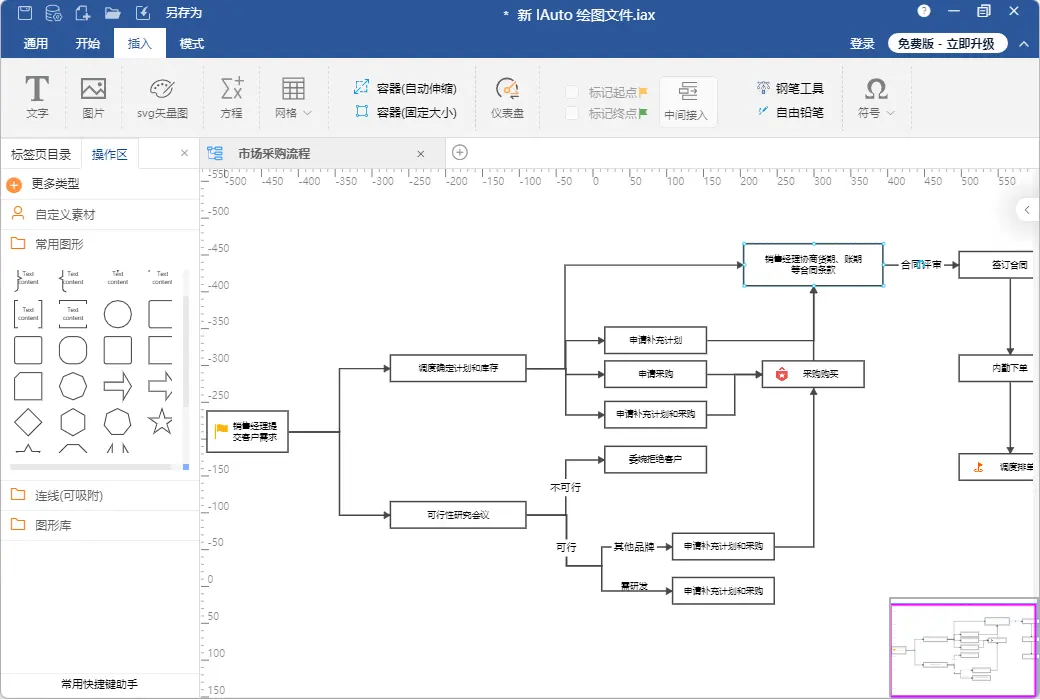
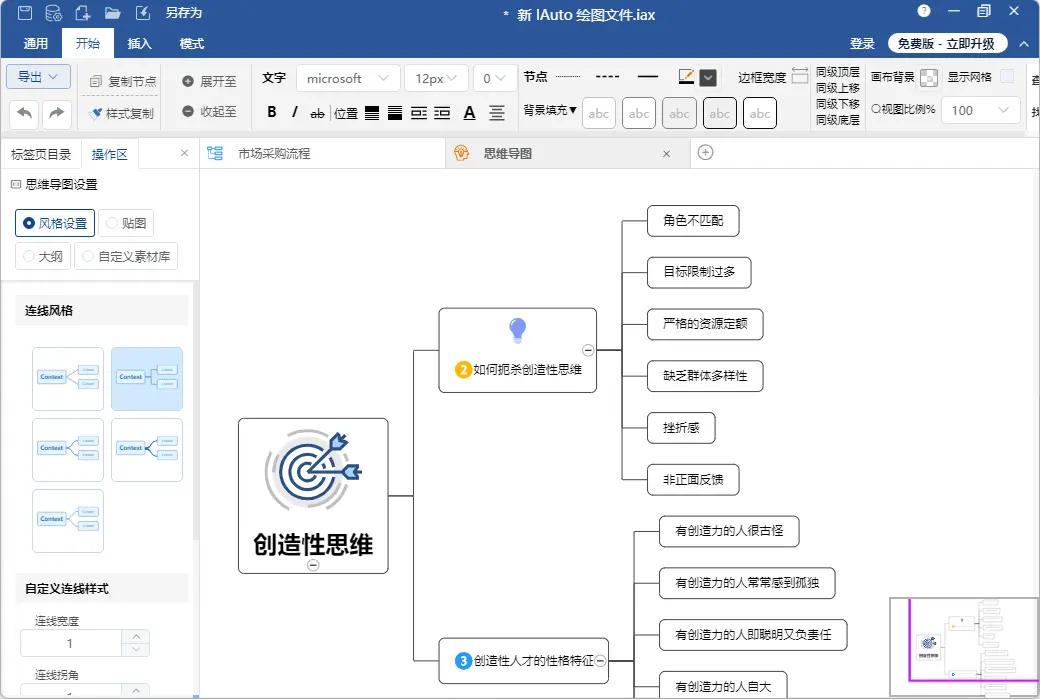
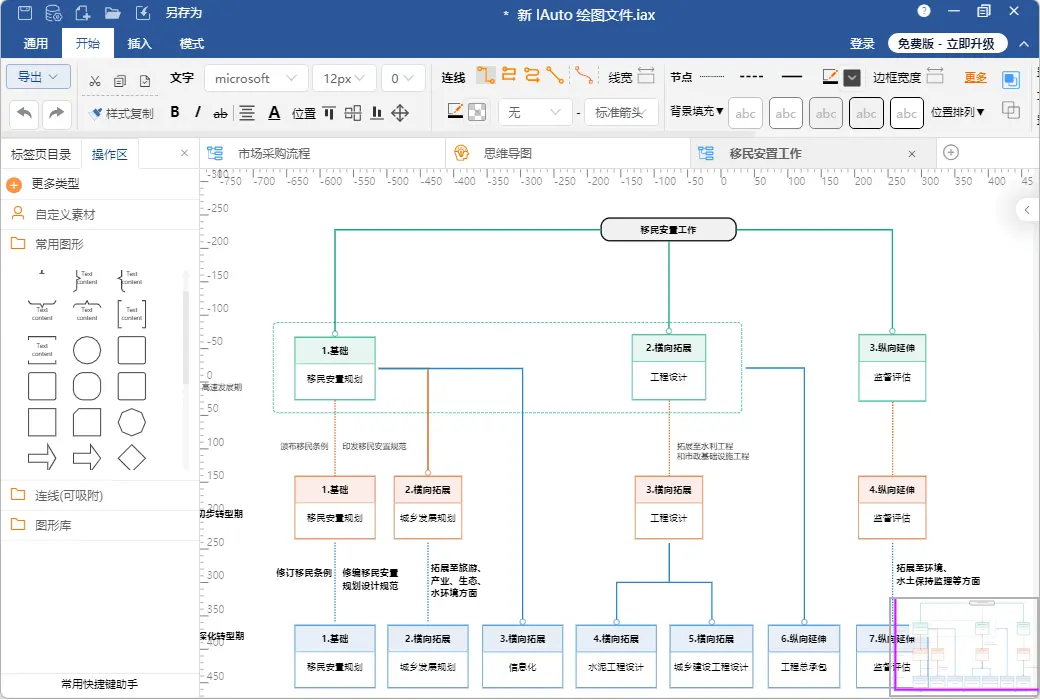
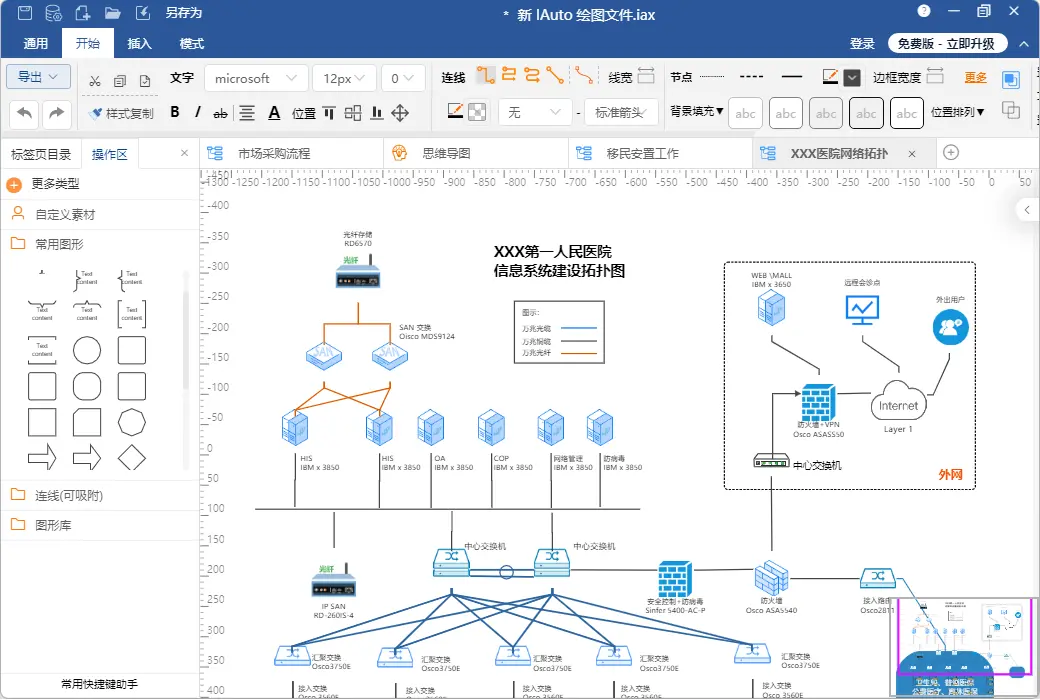
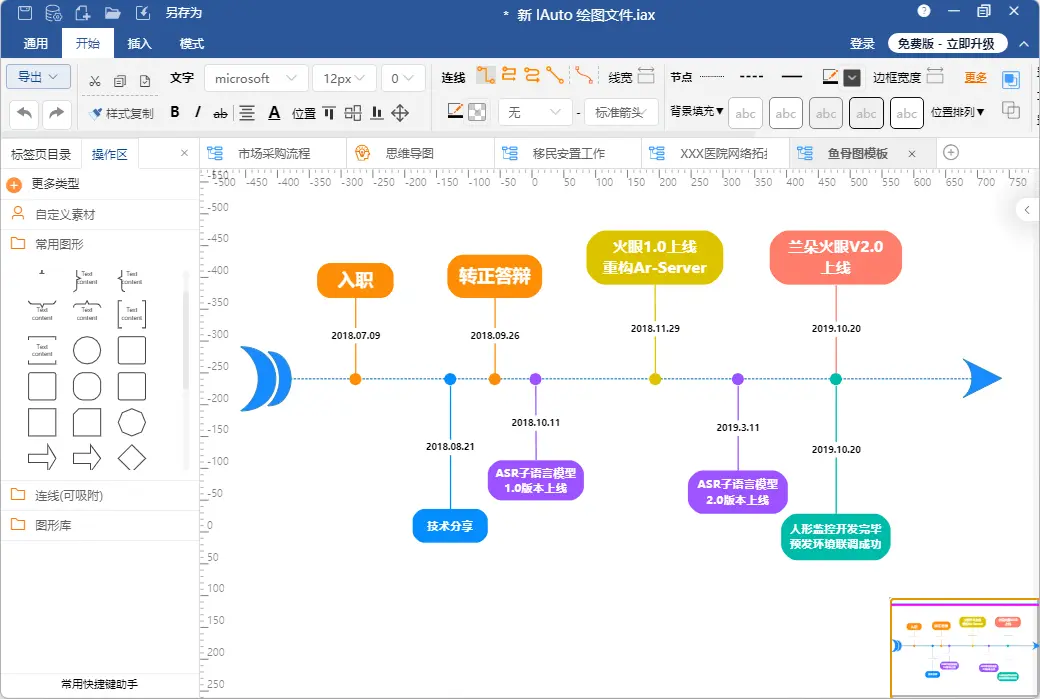
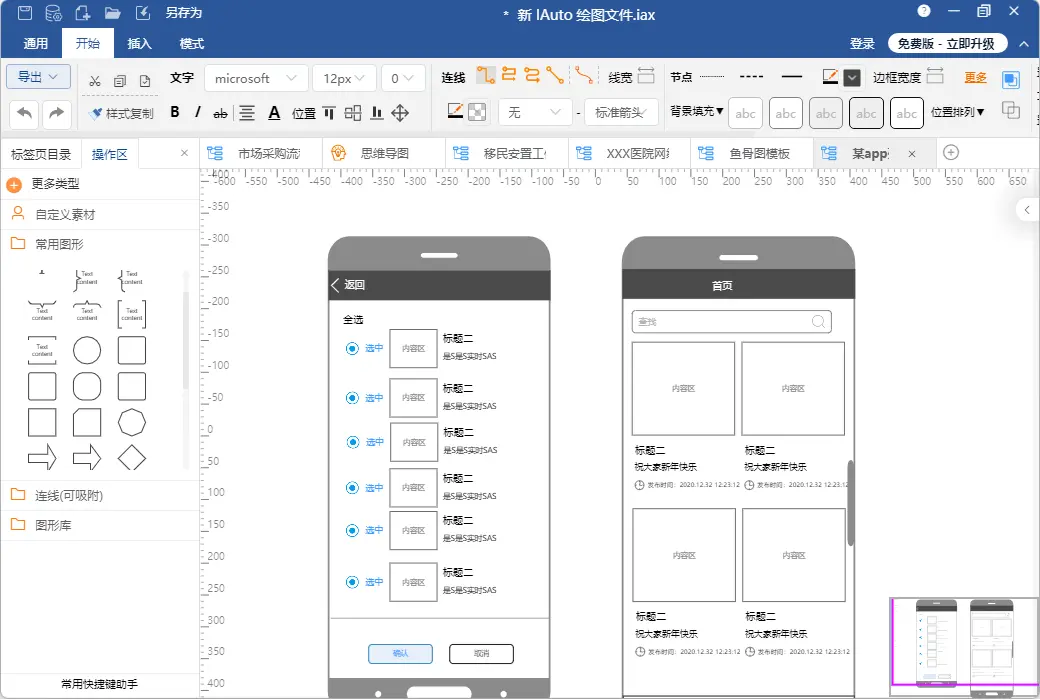
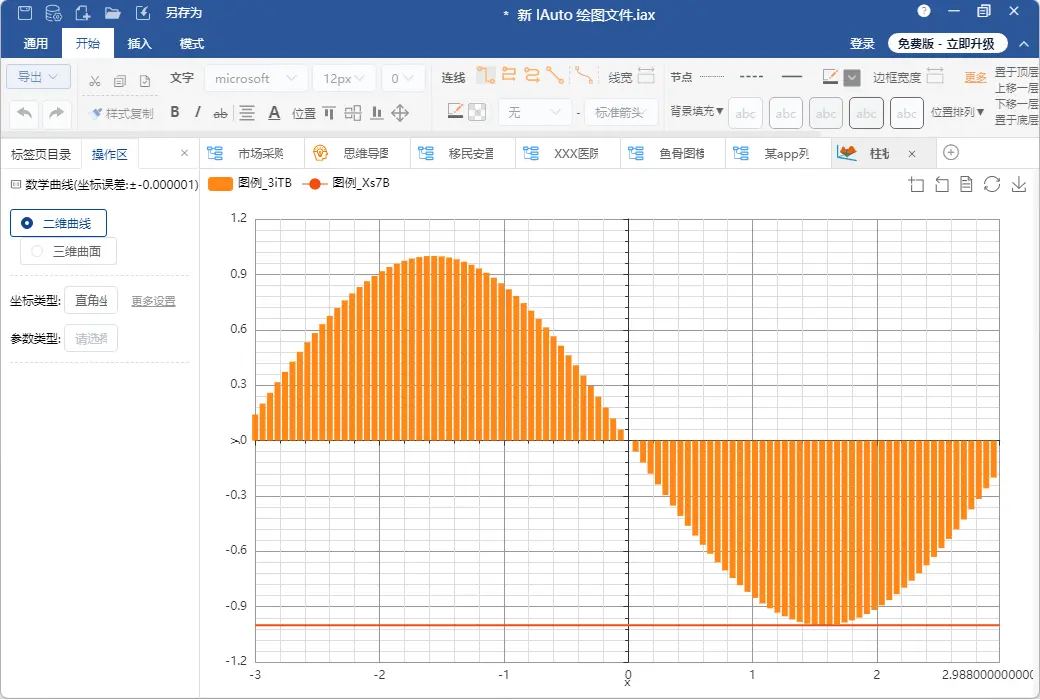
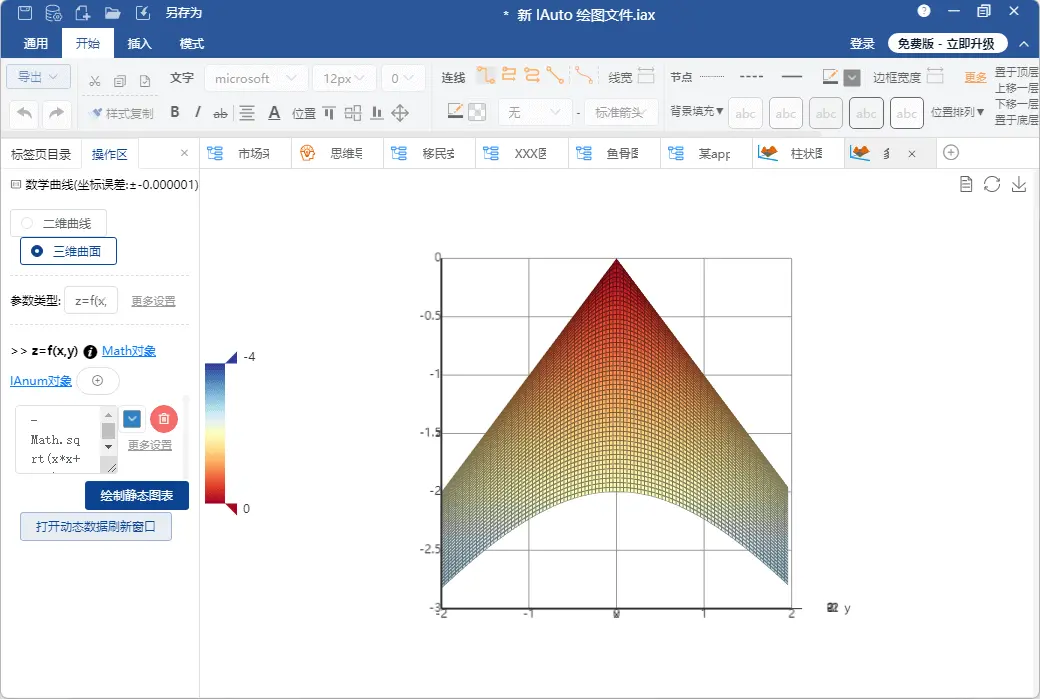
A multifunctional and versatile tool for quickly drawing various complex business process diagrams (including processes), tree diagrams (mind maps), network topologies, organizational structures, Gantt charts, UML/BPMN, timing diagrams, Venn diagrams, as well as various 2D and 3D mathematical surface curves, real-time data monitoring, mathematical model simulation, etc.
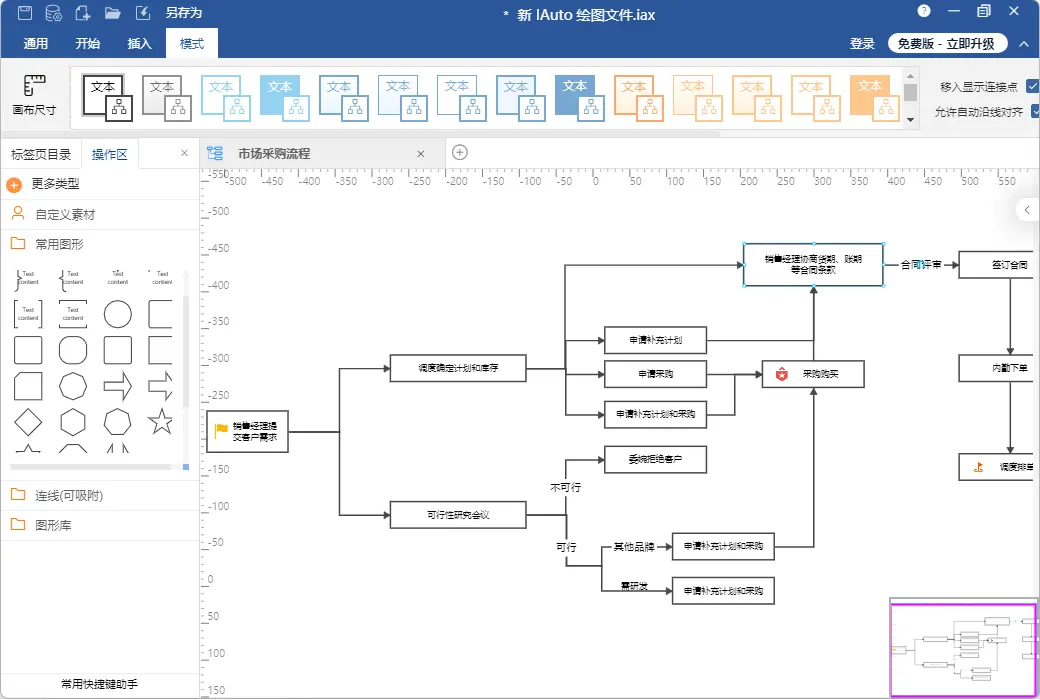
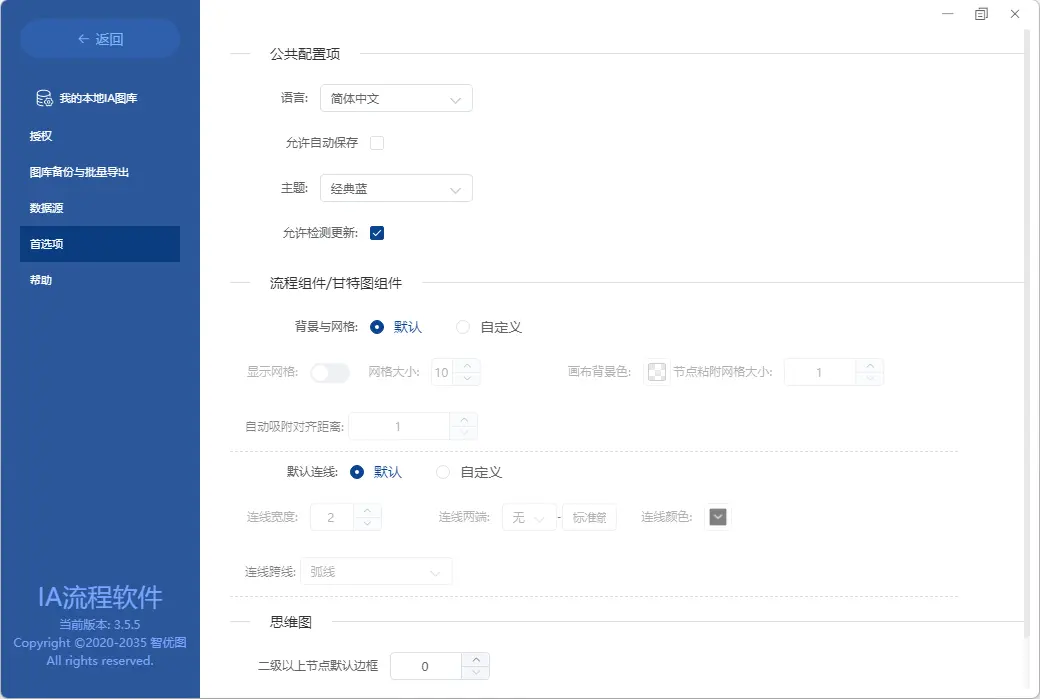
Multiple business types to choose from, refreshing user interface
There are no advertisements or plugins in IAIto, and it is fully used in an internal network environment, making drawing safer and more efficient!
Unlimited drag and drop on canvas, unlimited line segmentation
Canvas can be freely dragged without boundaries, connection interfaces on nodes can be infinitely added, and lines can be infinitely separated into any small segment
Supports both local gallery and. iax disk file data saving simultaneously
As an offline database, the local IA gallery can store thousands of drawing canvases, saving the hassle of file organization; And. iax/. ia files are saved in the IAIto disk file format, which is different from local libraries. Users can freely save files to disk locations.
Support node layer management and rich line style styles
IAIto supports the list and management of layers, and can perform operations such as linking and grouping node layers; Click on the link to quickly set the style of the link, which is very convenient and fast!
Support customizing pen and pencil tools, as well as customizing elements
You can quickly outline the shape you want through the pen and pencil tools in IAIto, and you can also set custom elements
Official Website:https://www.iautodraw.com/
Download Center:https://iautodraw.apsgo.cn
Delivery Time: Manual processing
Operating Platform: Windows, macOS, Linux
Interface Language: Supports Chinese interface display.
Update Instructions: Supports minor version upgrades 3.x
Trial Before Purchase: Free trial available before purchase.
How to Receive the Product: After purchase, the activation information will be sent to the email address used for placing the order. You can also view the corresponding product activation code in your personal center, under "My Orders".
Number of Devices: Can be installed on 1 computer.
Changing Computers: Uninstall on the original computer and activate on the new one.
Activation Guidance: For standalone licensing, you need to provide us with the UUID on the software so we can provide the authorization code. For user licensing, you need to provide your registered email address.
Special Instructions: 1 device (a fixed computer) is suitable for intranet or offline scenarios (Linux personal edition does not support offline activation, but enterprise edition can be handled by contacting the official team). 1 user subscription is suitable for online scenarios. Use an account to log in for activation and use. Device replacement is supported.
References:https://www.iautodraw.com/#/

Any question

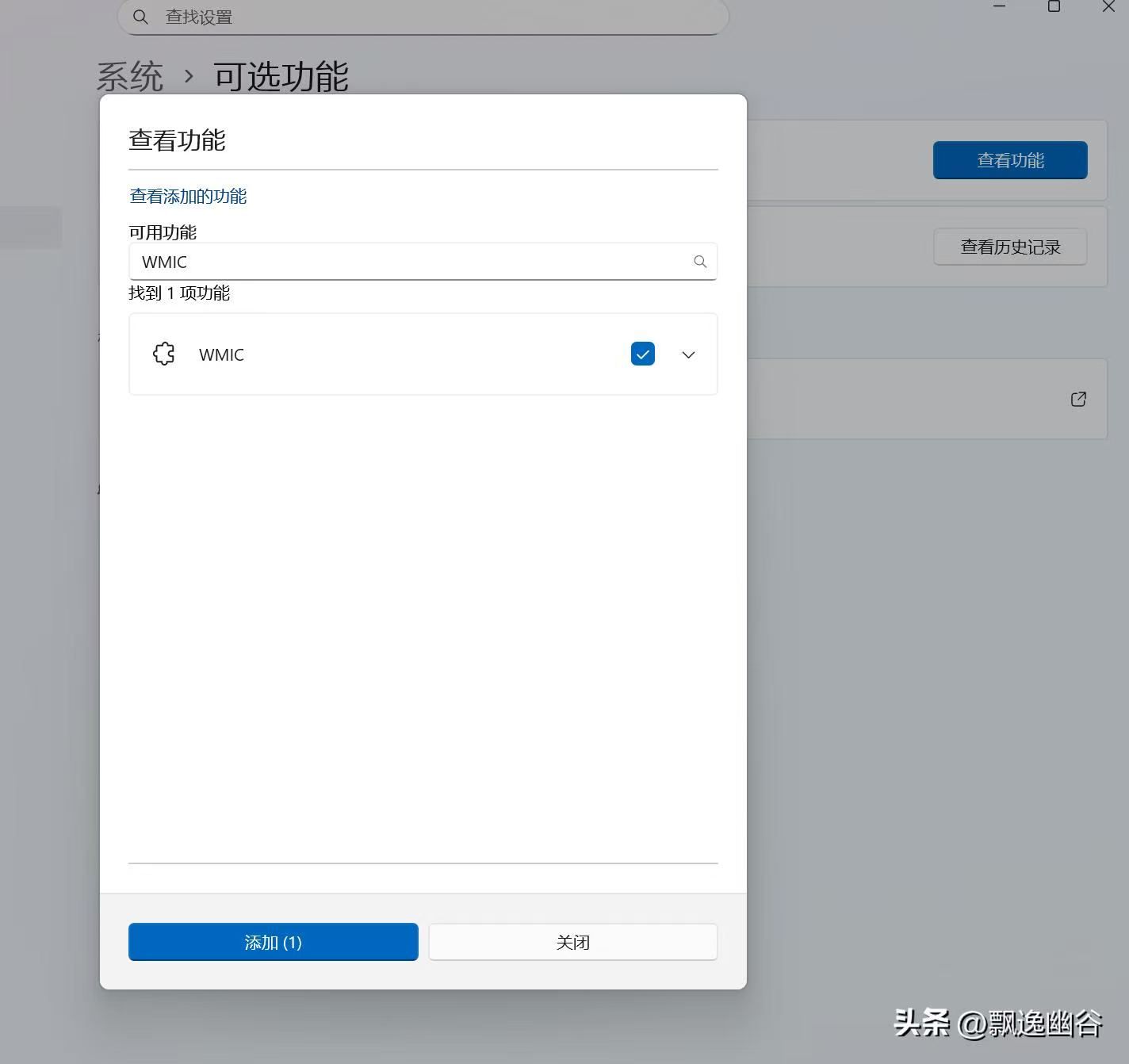
Some Windows 11 systems do not have the WMIC service enabled and need to enable it first.
1. Open "Settings" → "System" → "Optional Features"
Press Win+I to open Settings → click "System" on the left → scroll down on the right to enter "Optional Features".
2. Click "View Features" (next to "Add Optional Features")
On the "Optional Features" page, click the "View Features" button to pop up the add wizard.
3. Enter WMIC in the search box
Enter WMIC in the search box, and it will list: Windows Management Instrumentation Command-line. Check it → Next.
4. Click "Install" and wait for completion
Click "Install", download and install online (for a few seconds), and it will prompt success. No restart is needed.
5. Verify (in administrator terminal)
Open PowerShell/CMD (as administrator), enter:
plaintext
wmic csproduct get uuid
If you can see the UUID, it means the enablement is successful.